Plug-ins Built by Engineers, for Engineers.
We do not just use software, we build it. Our Navisworks and Revit plug-ins automate the repetitive workflows that slow your team down.
Navisworks plug-ins


EZ Clash Manager
Faster clash review, assignment, and tracking, without leaving Navisworks. Built by a coordinator who ran $200M+ healthcare projects.
- Clash review and assignment workflow
- Status tracking and filtering
- Custom clash grouping and zones
- Dashboards and CSV export
- Sync clashes with ACC issues

EZ Navigation
Keyboard shortcuts and navigation presets that cut model review time in half.
- Custom keyboard shortcuts
- Saved key bindings and base speed
- Measurement and annotation shortcuts
- Speed multiplier controls
- Section translation shortcut


EZ Issue Viewer
Visual issue tracking and status management integrated directly into Navisworks.
- ACC issues listed inside Navisworks
- Filter by assignee, status, level and zone
- Jump from an issue to its clash and model location
- Edit status, assignee and comments
- Issue pins in the model view
EZ 4D
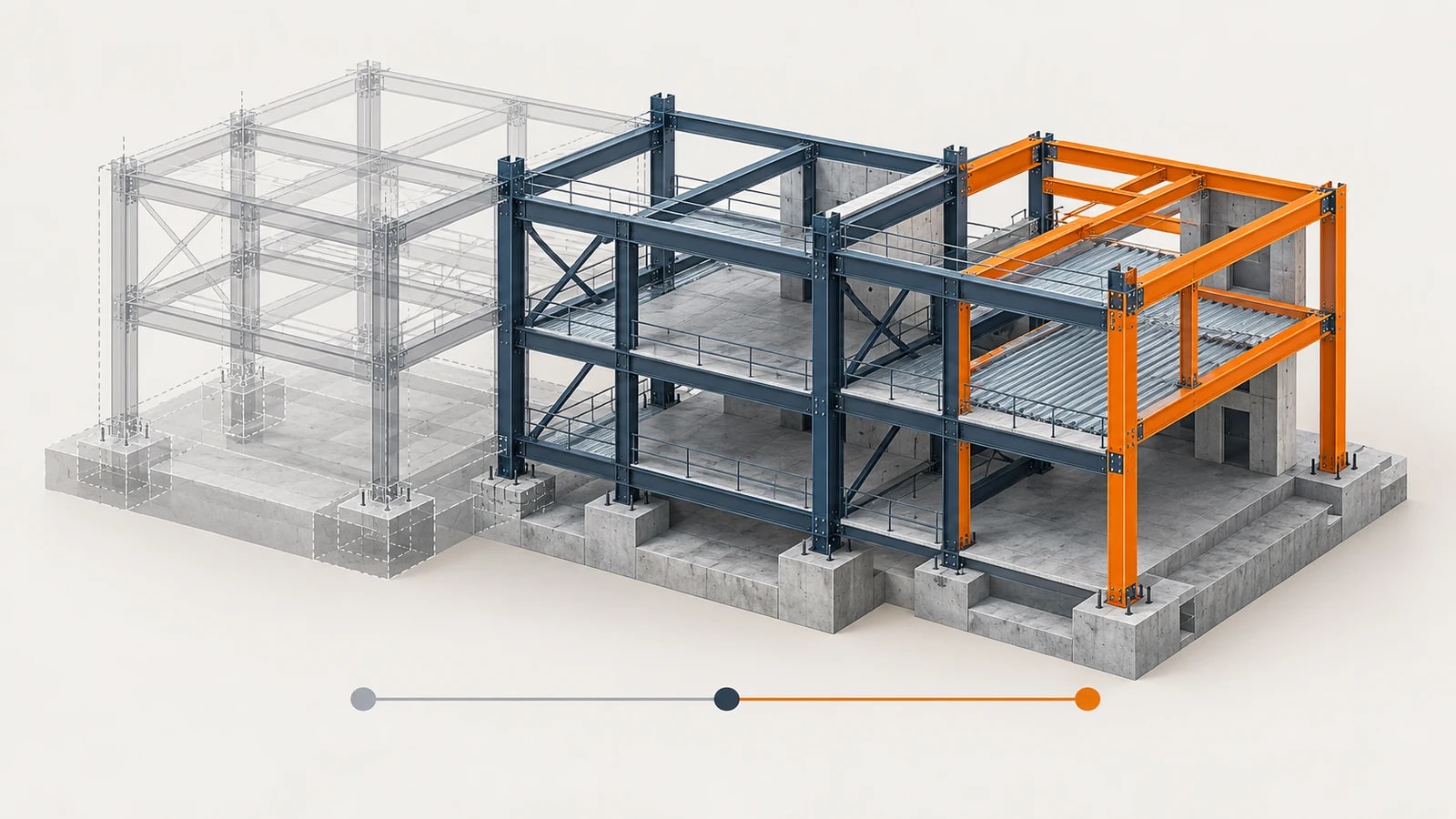
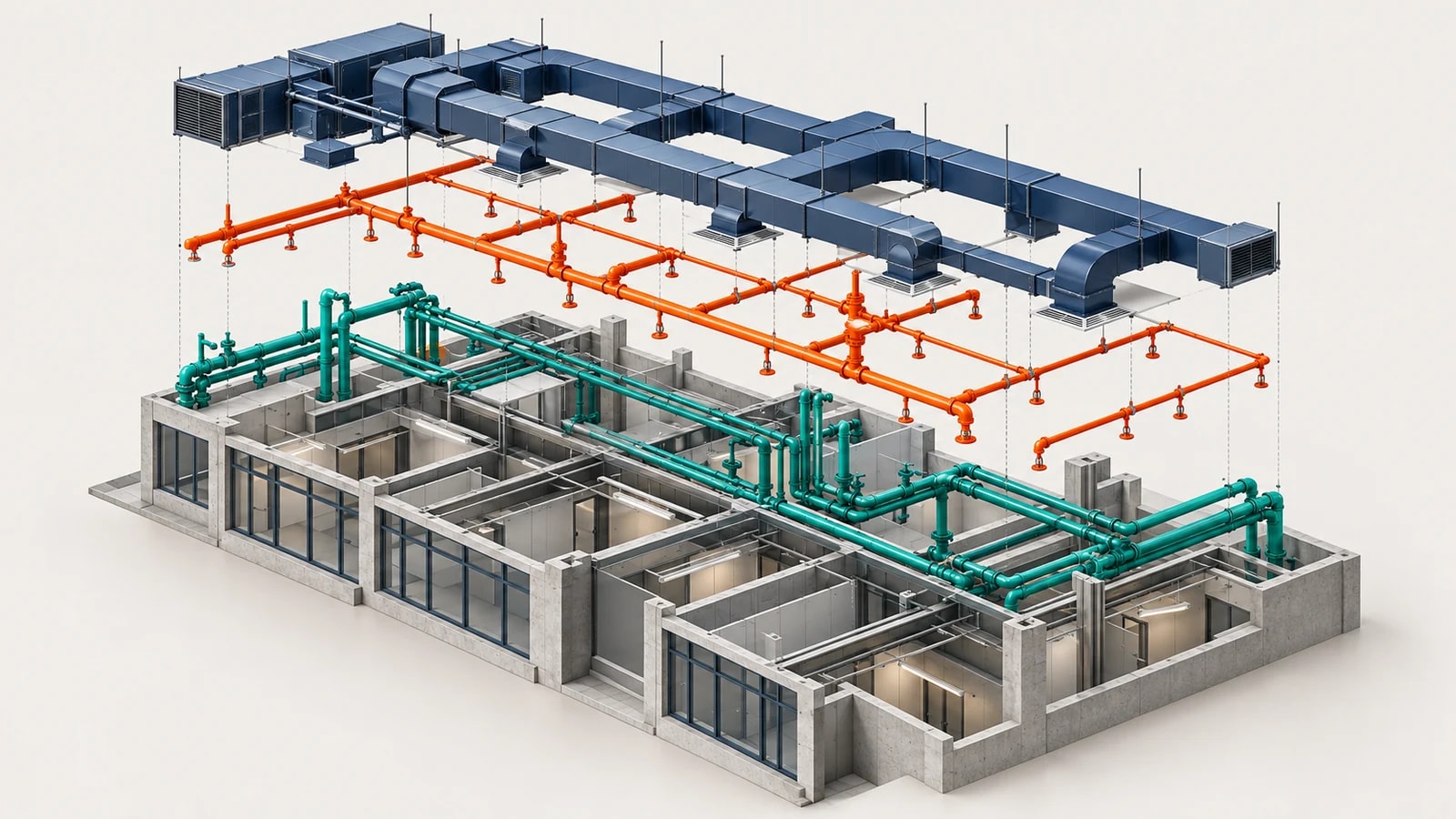
Turn model selections into installation and demolition sequences with saved viewpoints you can play back.
- Assign sequence values to model selections
- Install and demolish steps with colors
- Reorder and merge steps
- Generate saved viewpoints for every step
- Play the sequence inside Navisworks

EZ Search Sets
Generate saved Search Sets from model property values, so sets keep working as the model changes.
- Scan unique values of any model property
- One saved Search Set per value
- Bundle several values into one set
- Update, replace, skip or duplicate existing sets
- Reusable presets
Revit plug-ins
EZ Sheet Creator
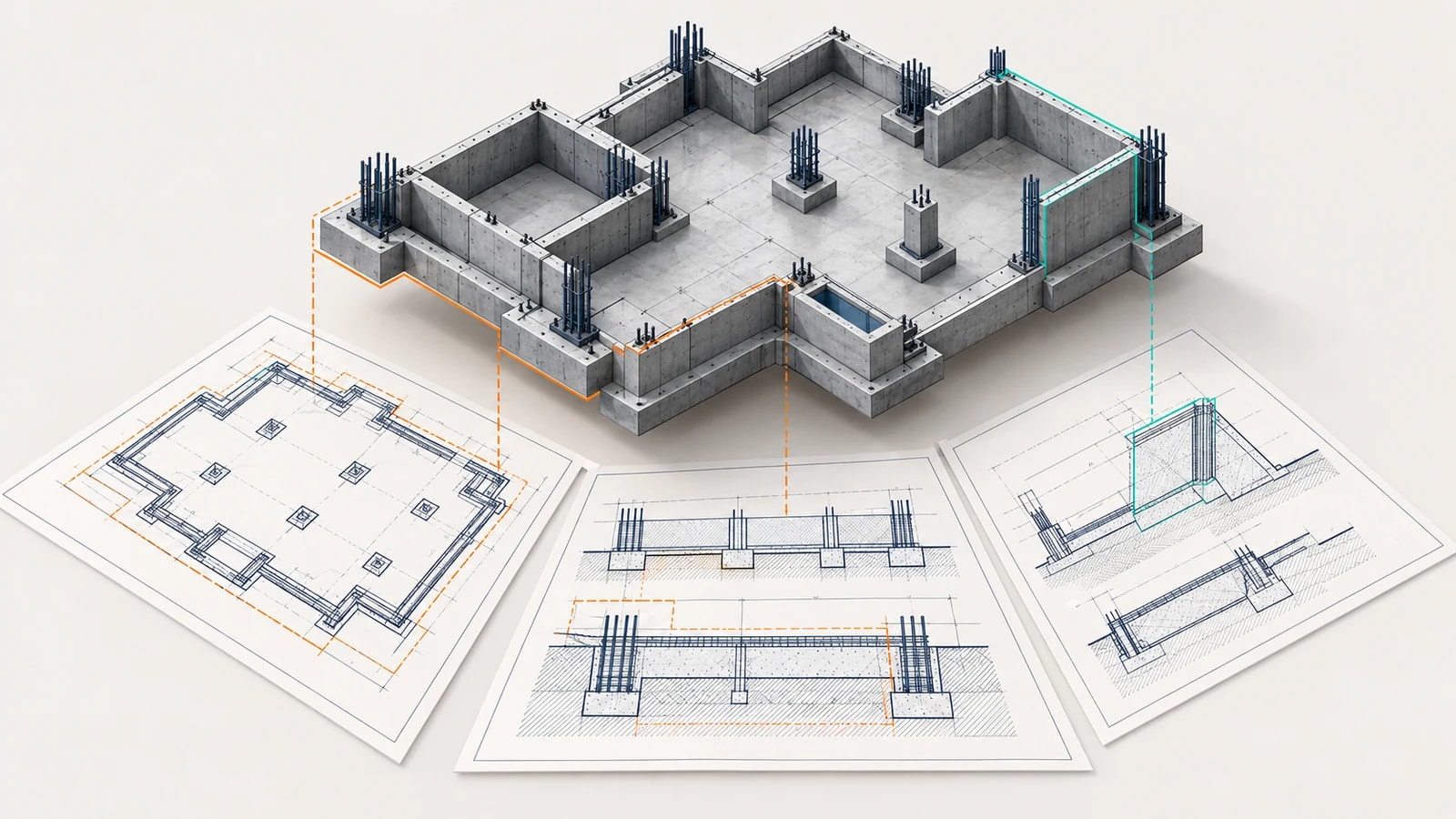
Create and manage views, sheets, placement and numbering in bulk, starting from model parameters or a spreadsheet.
- Plans, sections and sheets from parameter values
- Create sheets from Excel or CSV
- Bulk-edit views and sheets in a grid
- Move views between sheets
- Renumber views by position or click order
EZ 3D View Creator
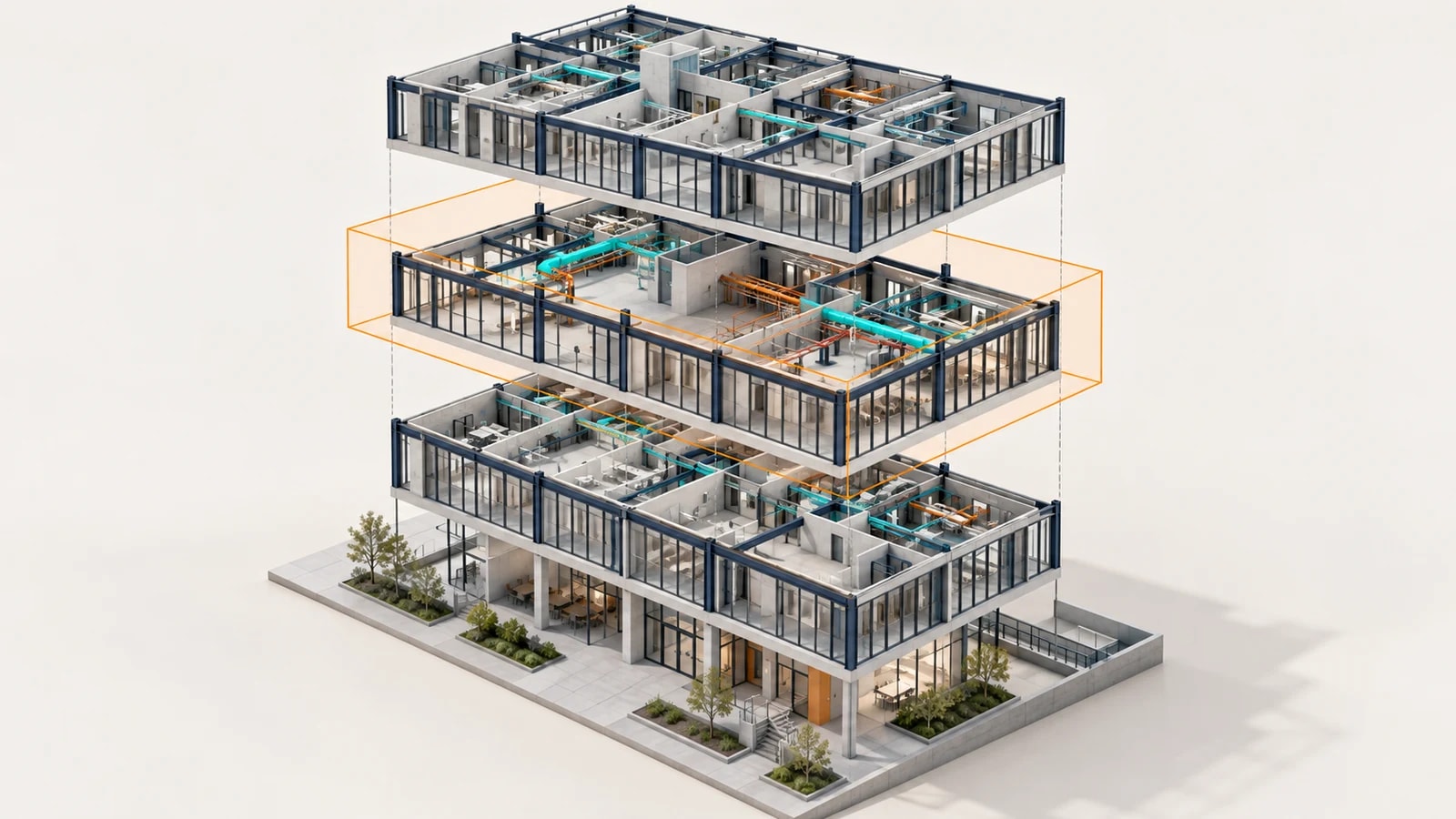
Consistent 3D coordination views by level and zone, with optional NWC export.
- One 3D view per level, or per level and scope box
- Section boxes from level offsets
- Naming patterns with level, scope and model
- View template and browser grouping
- Optional NWC export
EZ 3D Room Tag
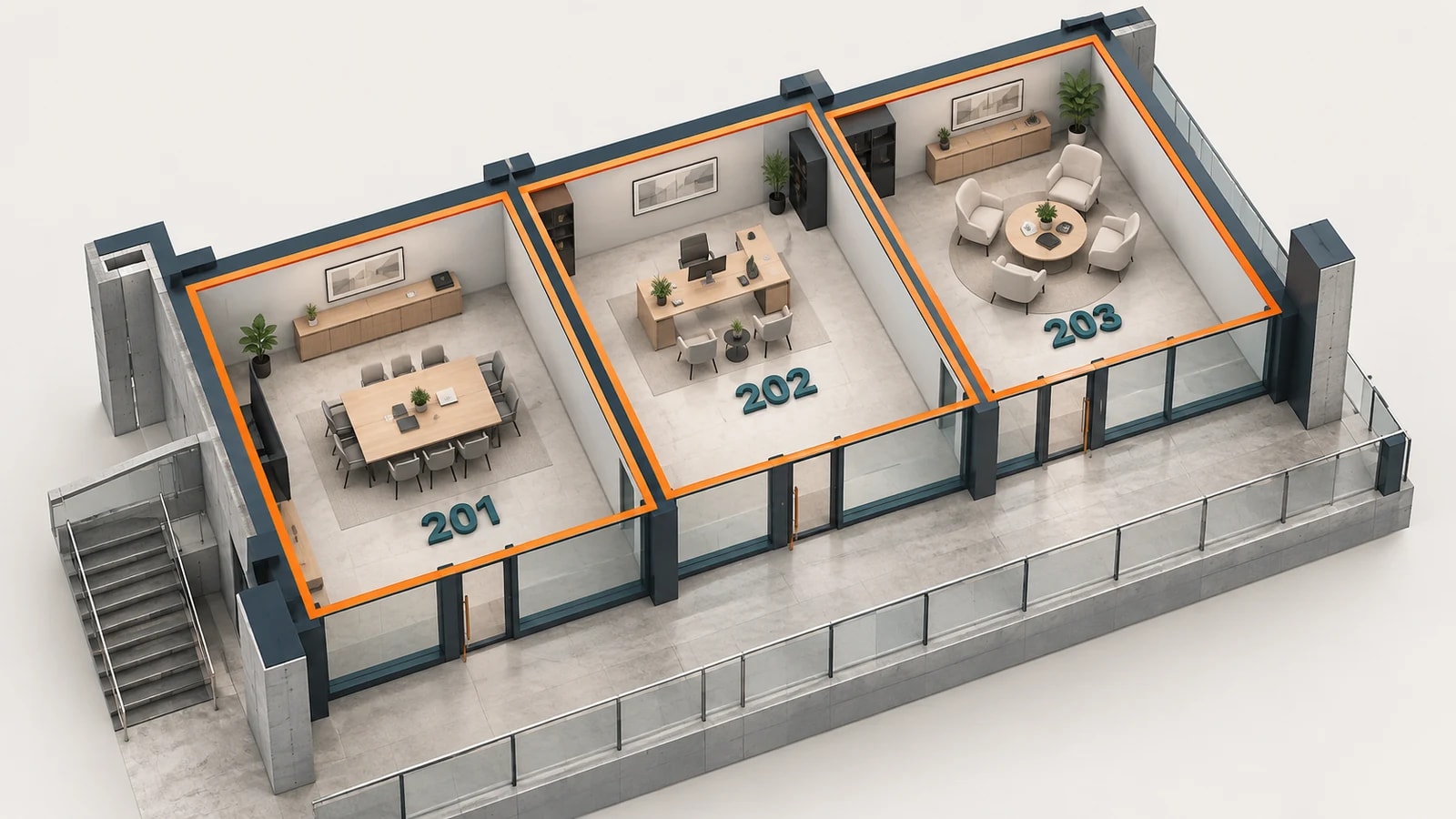
Place 3D room labels with room data, so room context reaches the coordination model.
- Rooms from the current model or a link
- Tags below the slab, above the ceiling or at mid-height
- Fixed rotation or aligned to the longest wall
- Copy room parameters to the tag
- Update in place to keep element IDs
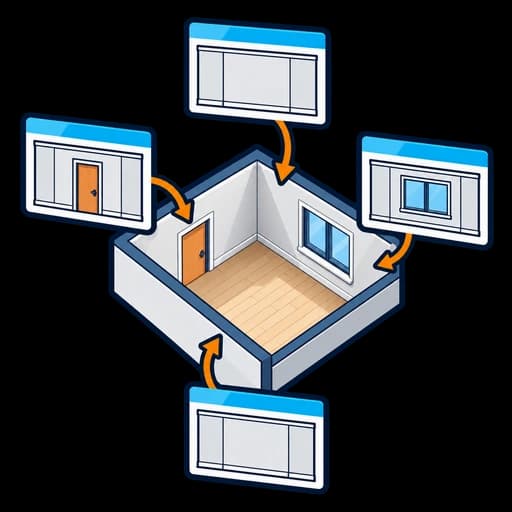
EZ Interior Elevation Generator
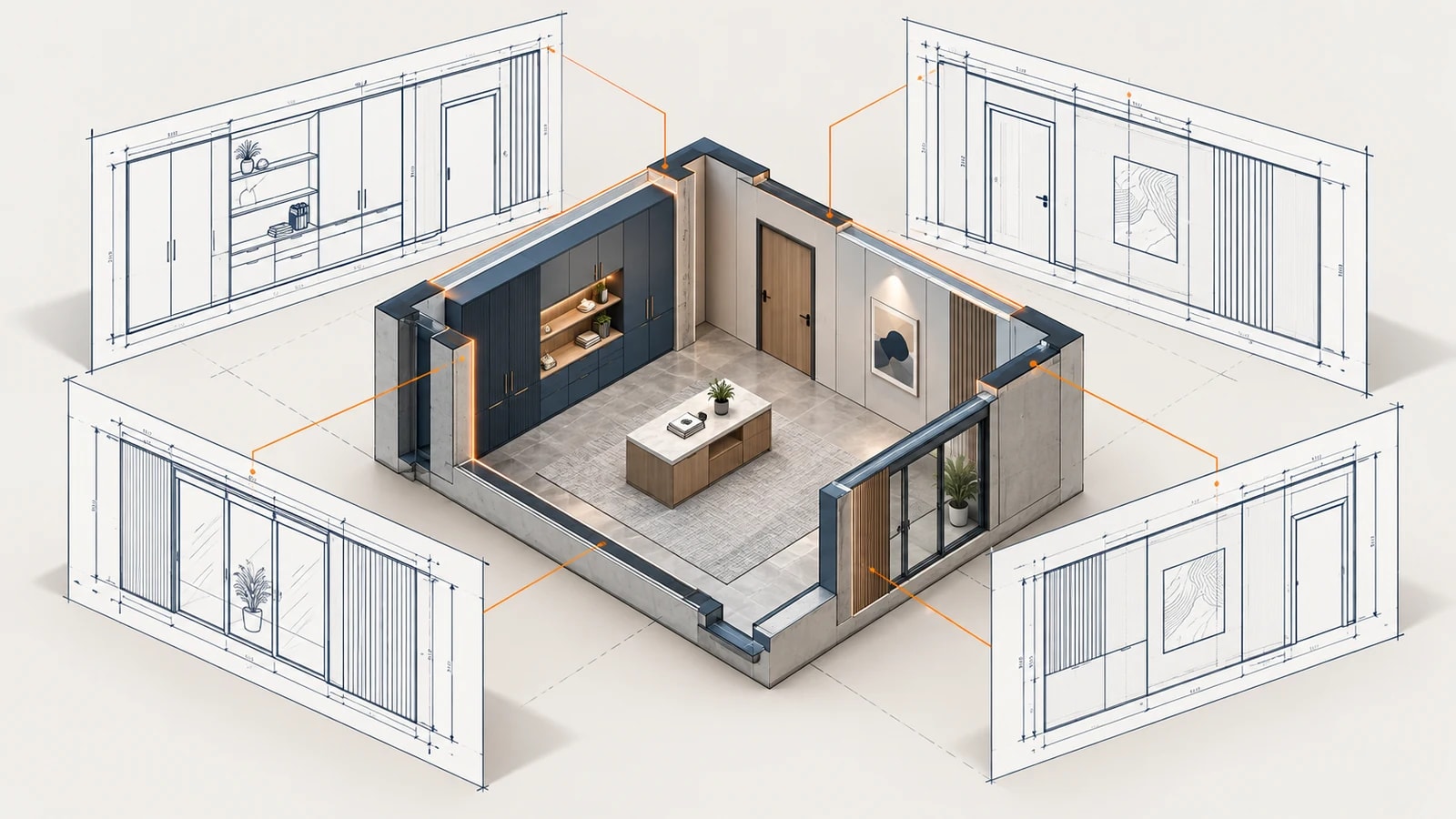
Generate interior elevations, a cropped plan and sheets for the rooms you select.
- One elevation per room wall
- Cropped floor plan for each room
- Sheets laid out automatically
- Templates, scales and naming in one place
- Optional tags by category
EZ King Studs
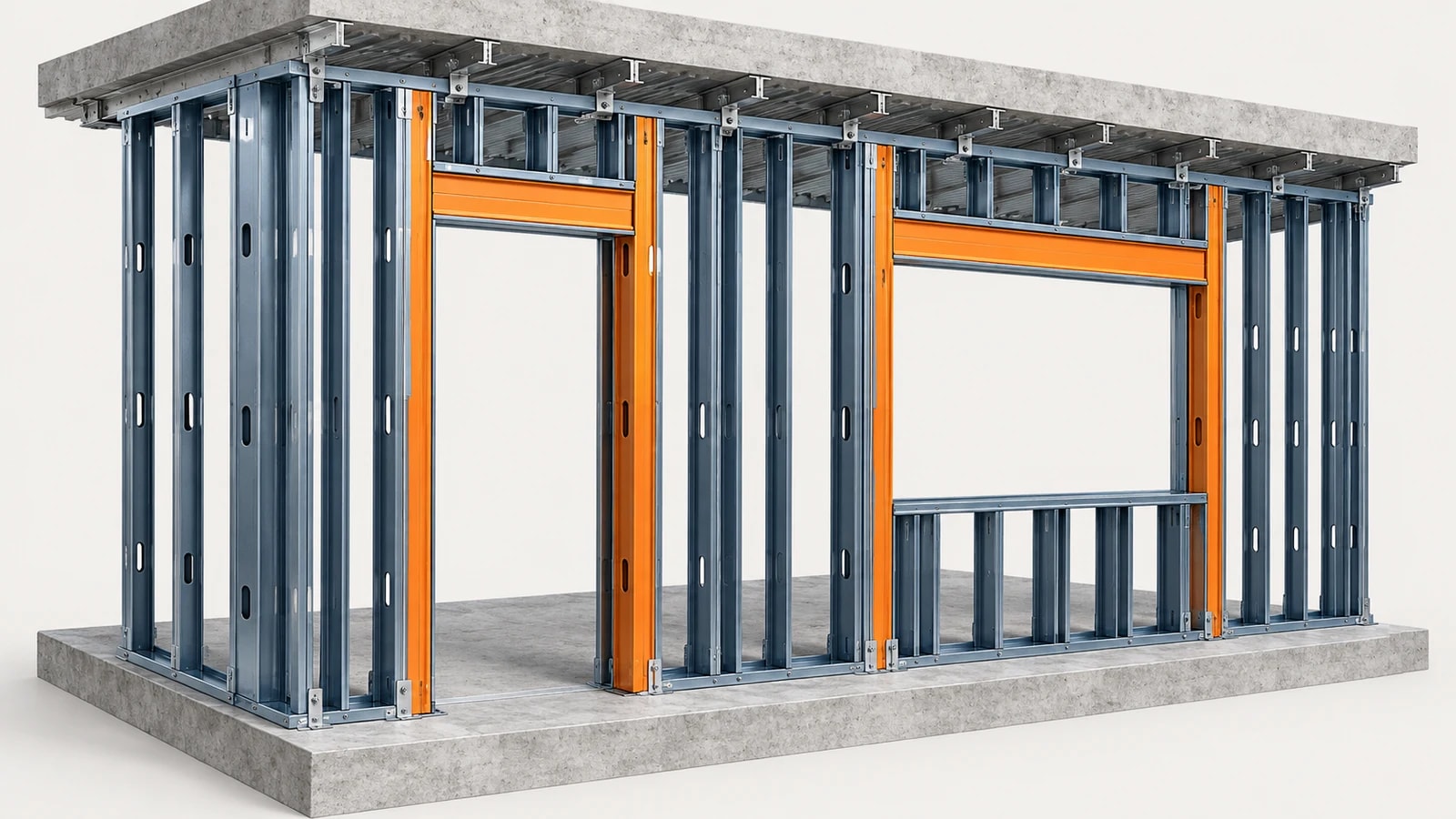
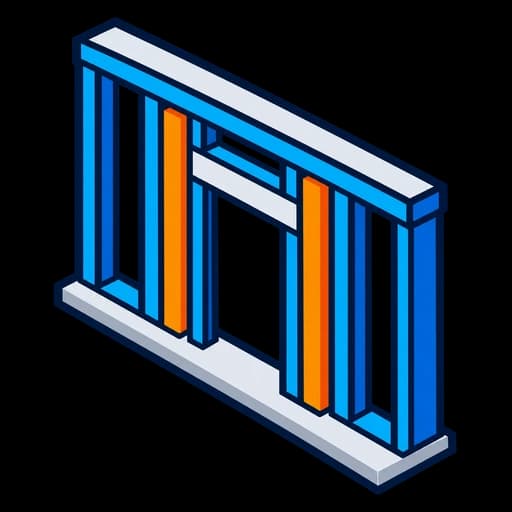
Place king studs and headers at openings, with a preview first and updates that keep your edits.
- King studs and headers at doors, windows and curtain walls
- Host wall filter by type name
- Double studs above a width you choose
- Preview new, changed and removed openings
- Update keeps your manual edits

EZ Ceiling Grids
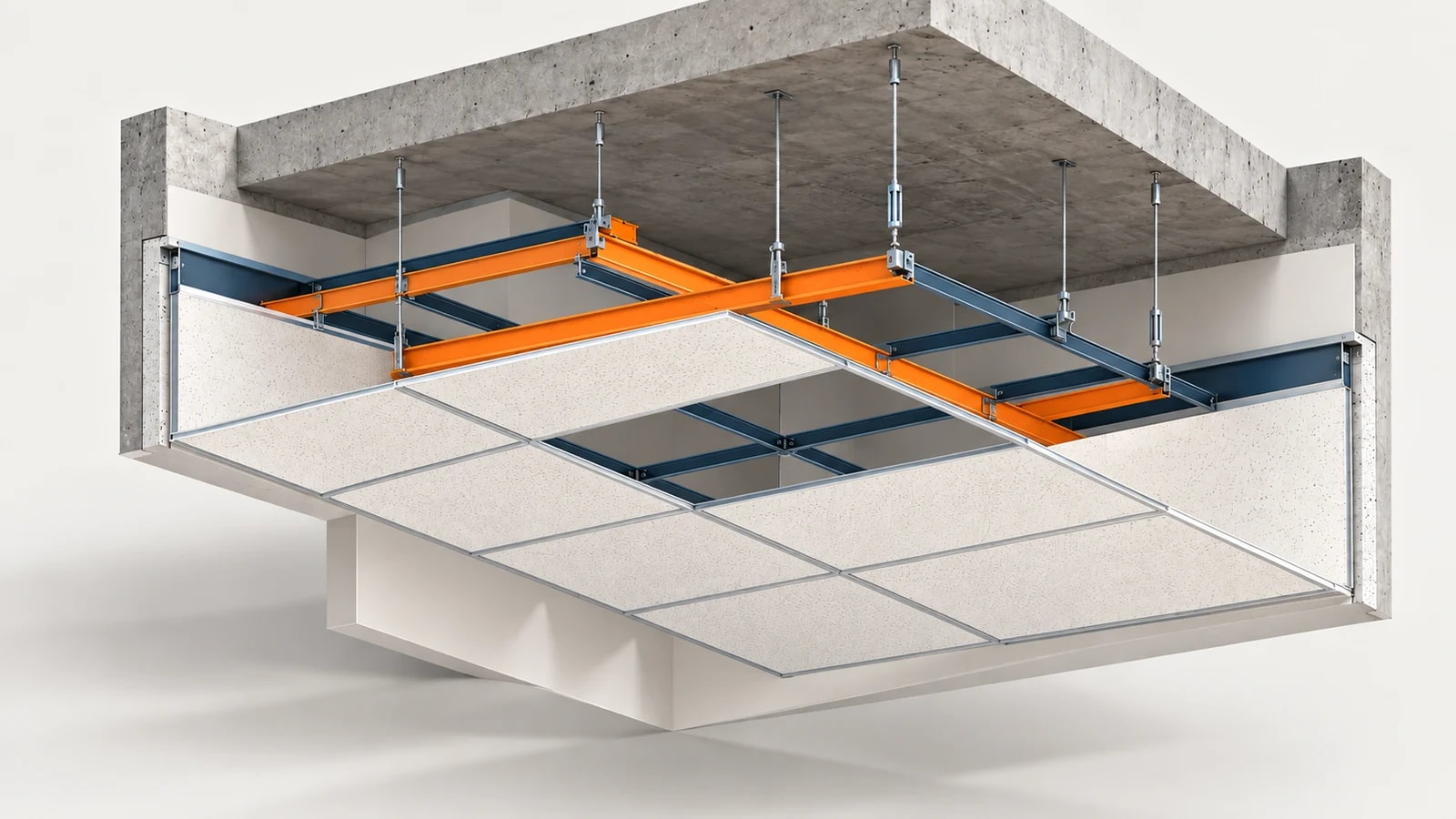
Model ceiling grid runners, cross tees and edges straight from the ceiling's surface pattern.
- Main runners and cross tees from the ceiling pattern
- Perimeter edge members
- Ceilings from the current model or a link
- Preview counts and lengths per ceiling
- Replace grids from an earlier run
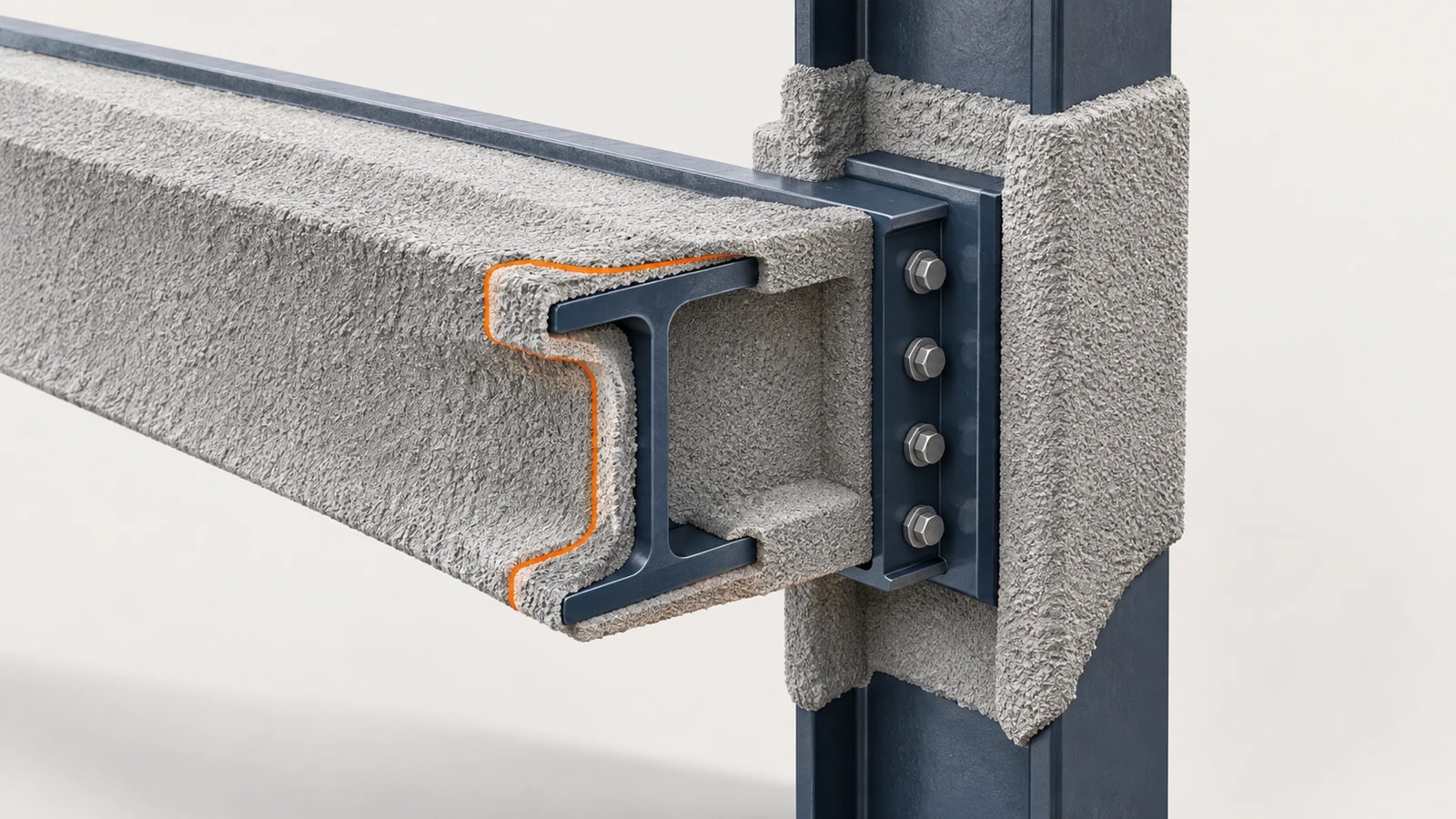

EZ Fireproofing
Model fireproofing around steel members with thickness rules by rating and section, and get the quantities.
- Contour (spray) or box (board) fireproofing
- Thickness rules by rating and section
- Filters by workset, level and view
- Candidate summary before modeling
- Quantities of the modeled fireproofing
EZ Wall Penetration
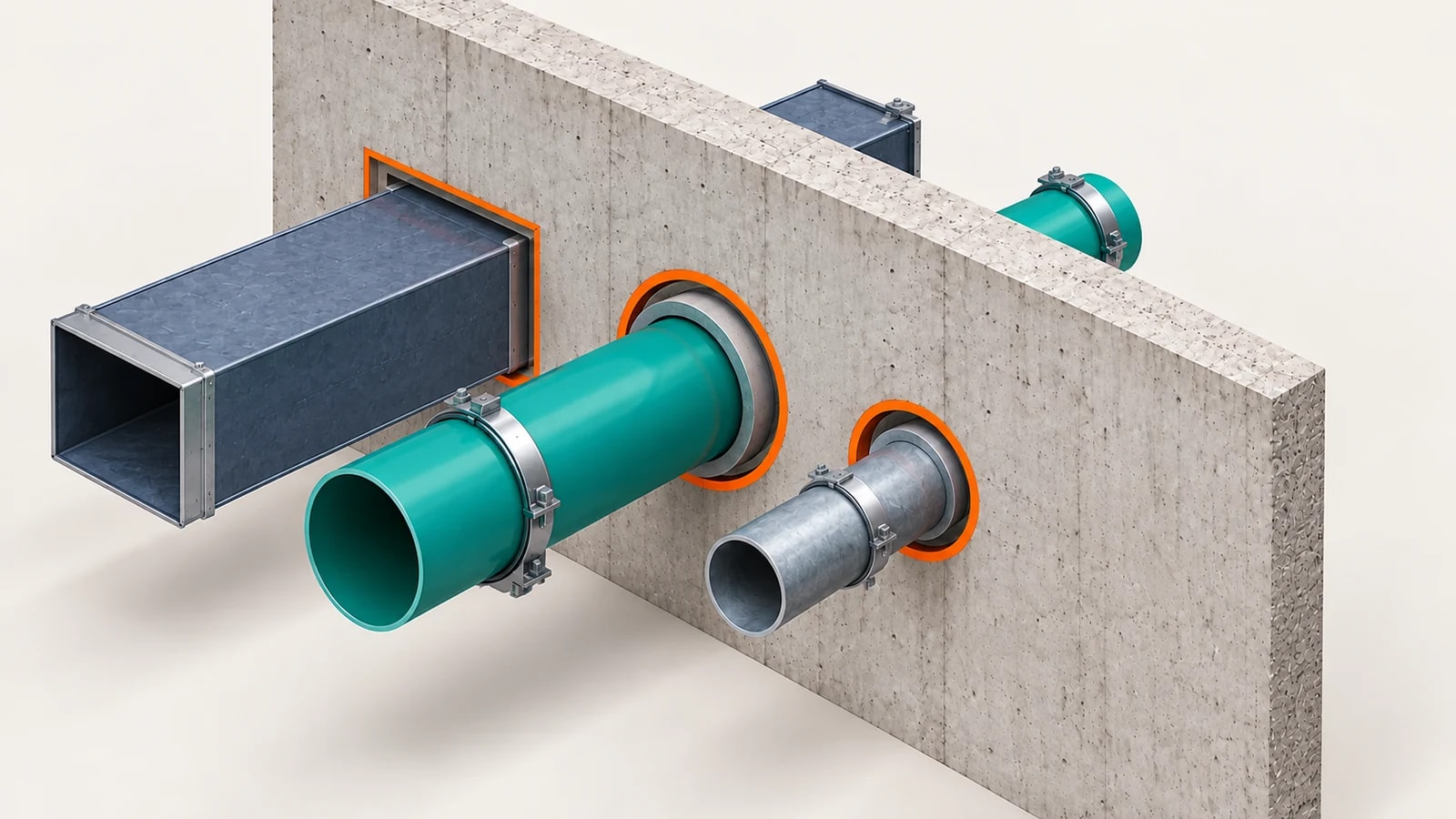
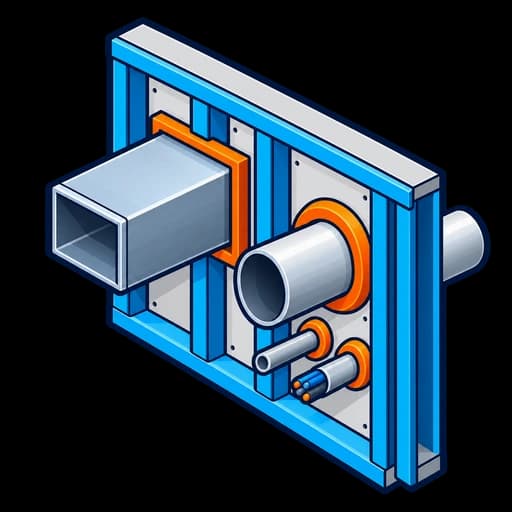
Find MEP crossings through walls and floors, review every change and place tracked openings.
- Find MEP crossings through walls and floors
- Round and rectangular openings with clearance
- Review every change before applying
- Tracked openings update with the model
- CSV export of the results
Need a Custom Plug-in?
We build bespoke Revit and Navisworks automation tools to fit your exact workflow. C#, Dynamo, pyRevit, we cover the full stack.
Request Custom Development