
Navisworks
Available
EZ Search Sets
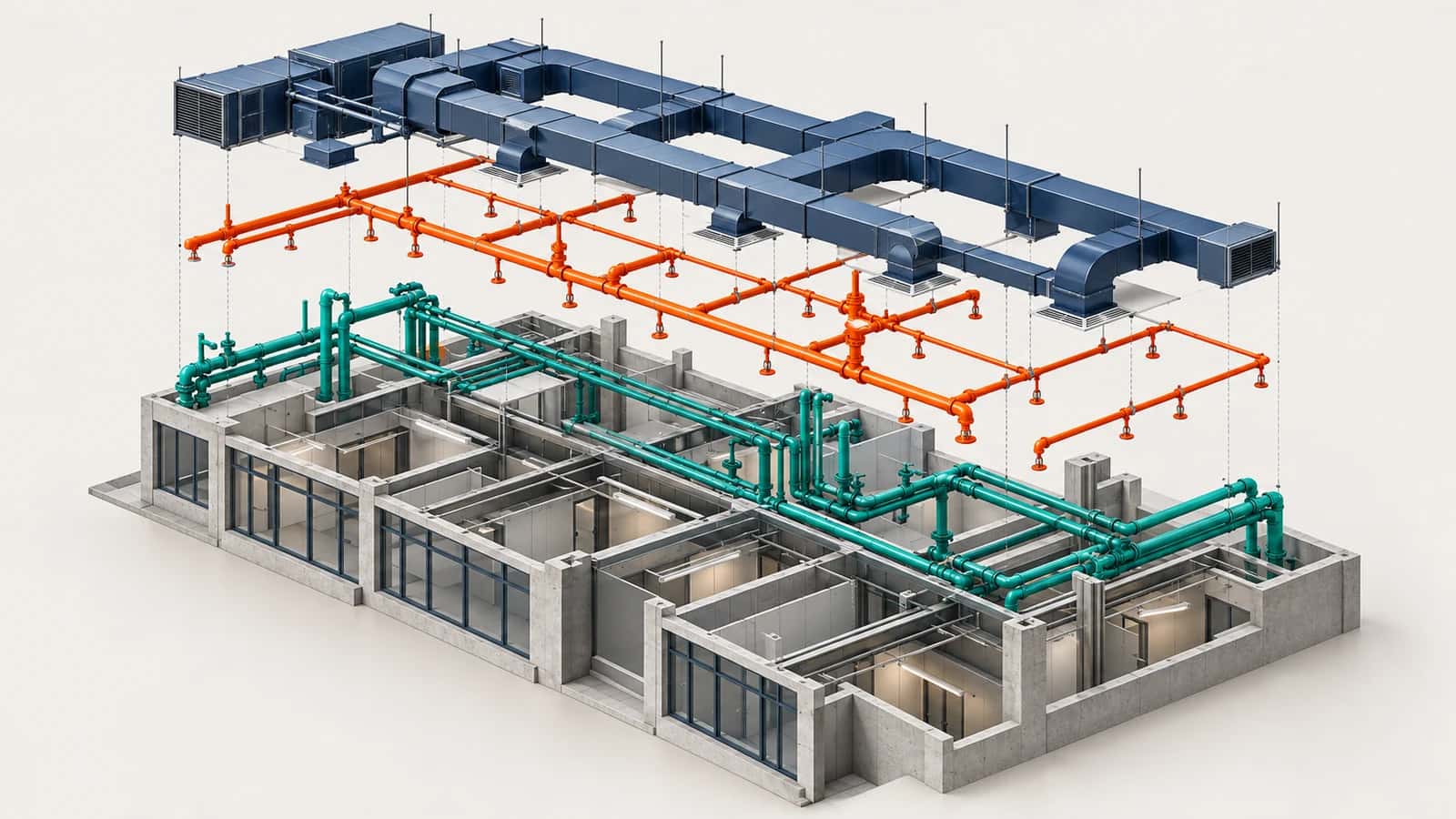
EZ Search Sets creates real saved Search Sets in Navisworks from the unique values of a model property, for example one set per System Type. Because each set stores search conditions instead of a fixed selection, it keeps working when you reload a revised model.
Part of the EZ VDC Toolkit
Revit and Navisworks plug-ins with one installer and one account. Subscribe to one, a bundle or all of them.
Generate
Choose a property category, property and operator
Scan the model and see every unique value with its element count
Pick the values you want and edit each Search Set name
Bundle several values into one set when they mean the same thing
Keep sets current
Choose the destination folder and naming
Existing sets: update their conditions, replace, skip or create a numbered copy
Updating keeps the set identity, so clash tests that use it keep working
Save settings as presets and reuse them on the next model
Screenshots
Generate Search Sets
Property values and set names
Search Set settings
Reusable presets
Why EZ VDC Toolkit?
1
Dozens of system-based Search Sets in one run instead of one by one2
Sets follow the model data, not a stale selection3
Clash tests built on the sets survive model updatesDesigned For
BIM Coordinators
VDC Engineers
MEP Coordinators
Includes
Scan unique values of any model property
One saved Search Set per value
Bundle several values into one set
Update, replace, skip or duplicate existing sets
Reusable presets
Need something custom?
We build custom Navisworks and Revit plug-ins for your workflow.
Request DevelopmentAlso in the toolkit


