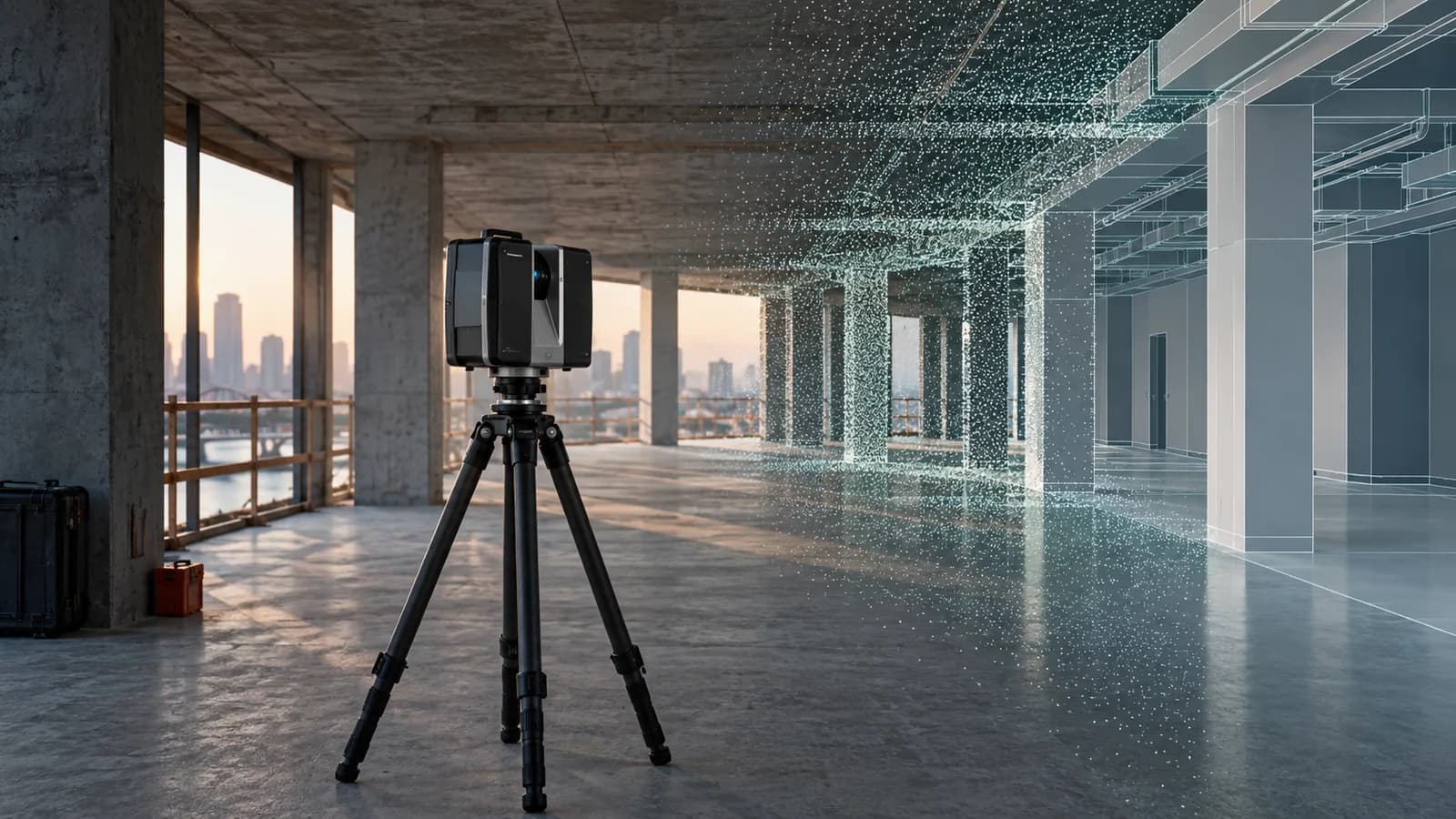
Scan to BIM & Laser Scanning Services
Laser scanning throughout Peru and the U.S., plus point cloud to Revit modeling. Agree capture coverage, model scope and quality checks.
We provide laser scanning throughout Peru and the United States and convert point clouds into BIM models for renovation, coordination and documentation. You can request capture and modeling together or modeling from an existing cloud. We define coverage, required elements, tolerances, formats and quality checks for the intended use, with inaccessible areas and assumptions recorded.
Site Scanning
High-density scans are captured using Faro Focus or Leica RTC360 scanners at scan positions planned to ensure full coverage with minimal occlusion.
Point Cloud Registration
Individual scan positions are registered into a unified, georeferenced point cloud in Recap Pro, with residual error reports documenting accuracy.
BIM Modeling
Revit models are built directly against the point cloud to the specified LOD, capturing all visible elements including structure, architectural finishes, MEP, and equipment.
QA/QC Validation
Model elements are compared against the point cloud using deviation analysis tools, with variance reports showing accuracy within project tolerance bands.
Deliverable Package
We deliver the registered point cloud, Revit as-built model, deviation report, and a model usage guide covering file structure and LOD boundaries.
Planning a project in Peru? Explore local delivery: Laser scanning and Scan to BIM in Lima.
What to send for a laser scanning and Scan to BIM proposal
We offer laser scanning throughout Peru and the United States. Specify whether you need site capture, modeling from an existing point cloud, or both. Include the location and access conditions to plan mobilization and timing.
- Location, approximate floor area, number of levels, and current building use.
- Available drawings or photographs; for existing point clouds, file format and registration status.
- Elements to model, intended model use, level of detail, and required tolerance.
- Access restrictions, permitted hours, occupied areas, and target delivery date.
How we define cost, timing, and deliverables
The proposal defines point cloud and model formats, required drawings, and deviation checks. Area, accessibility, trades, and modeling detail determine pricing and timing. Tolerance is agreed around model use and capture conditions; concealed or inaccessible elements need a specific scope.
Discuss my survey or point cloudProject reference
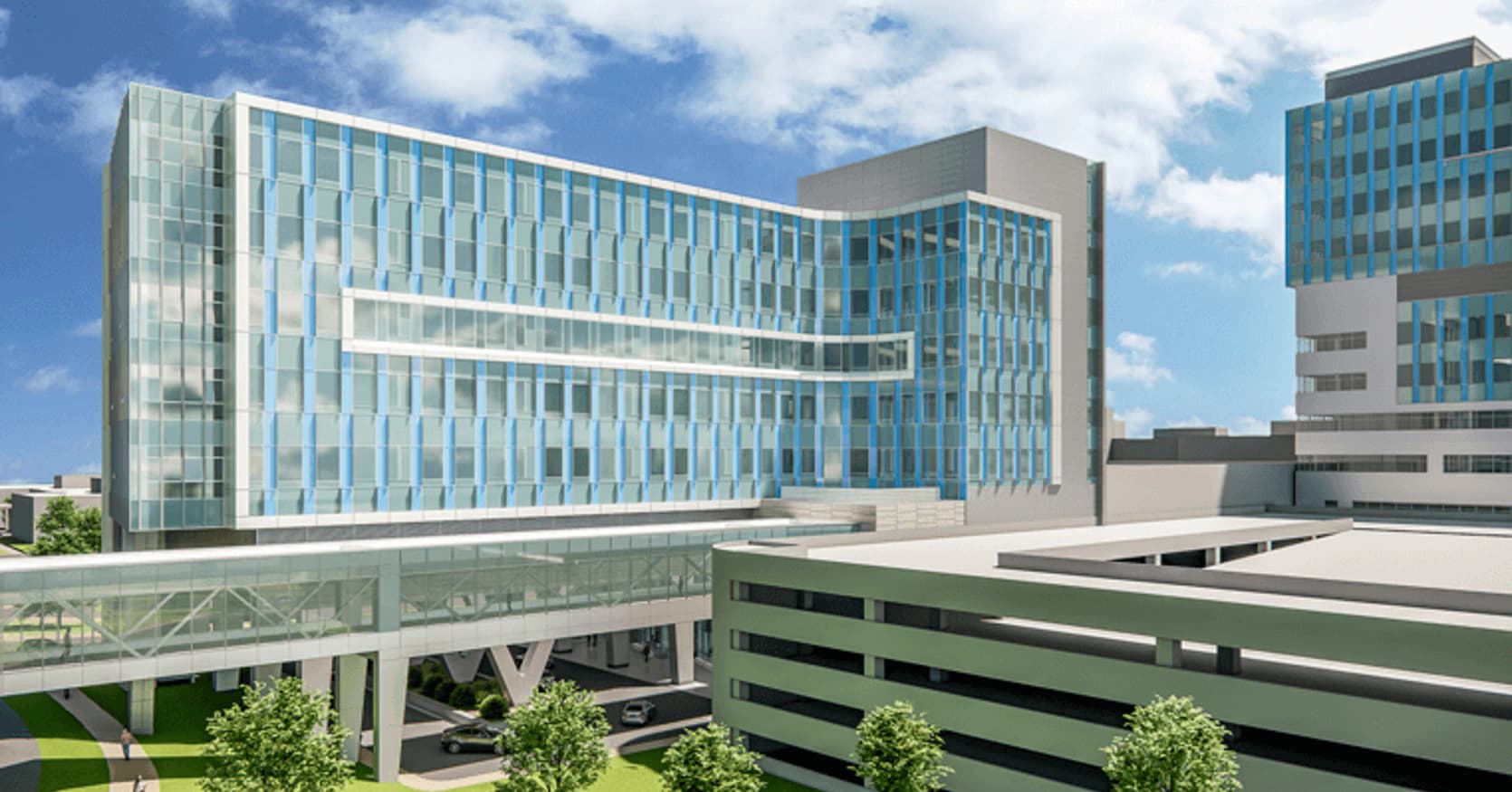
The case describes converting point clouds to Revit, checking the model against the cloud, and supporting renovation and tie-in coordination.
Explore the medical center Scan to BIM caseGuides for planning your project
Where do you offer laser scanning?
We offer laser scanning throughout Peru and the United States. Share the address, access restrictions and timing so we can plan site mobilization and the capture scope.
Can you model an existing point cloud?
Yes. We first review its format, registration, coordinates, date and coverage against the required model use. Additional information or capture may be needed where there are gaps.
What accuracy will the model have?
We agree tolerances and the checking method for the intended use. Instrument specifications alone do not establish model accuracy. The quality records identify the checks and limitations of the delivered information.
How long does the work take?
Access, area, visibility, element complexity and modeling scope affect capture and production time. The proposal defines milestones and review rounds after assessing those inputs.
Applications by industry, team and location
Editable worksheets for scoping the work
Blank Markdown templates: open them in any text editor. They contain no client data and do not represent project results.
How to compare proposals