
Navisworks
Available · Included with EZ Clash Manager
EZ Navigation
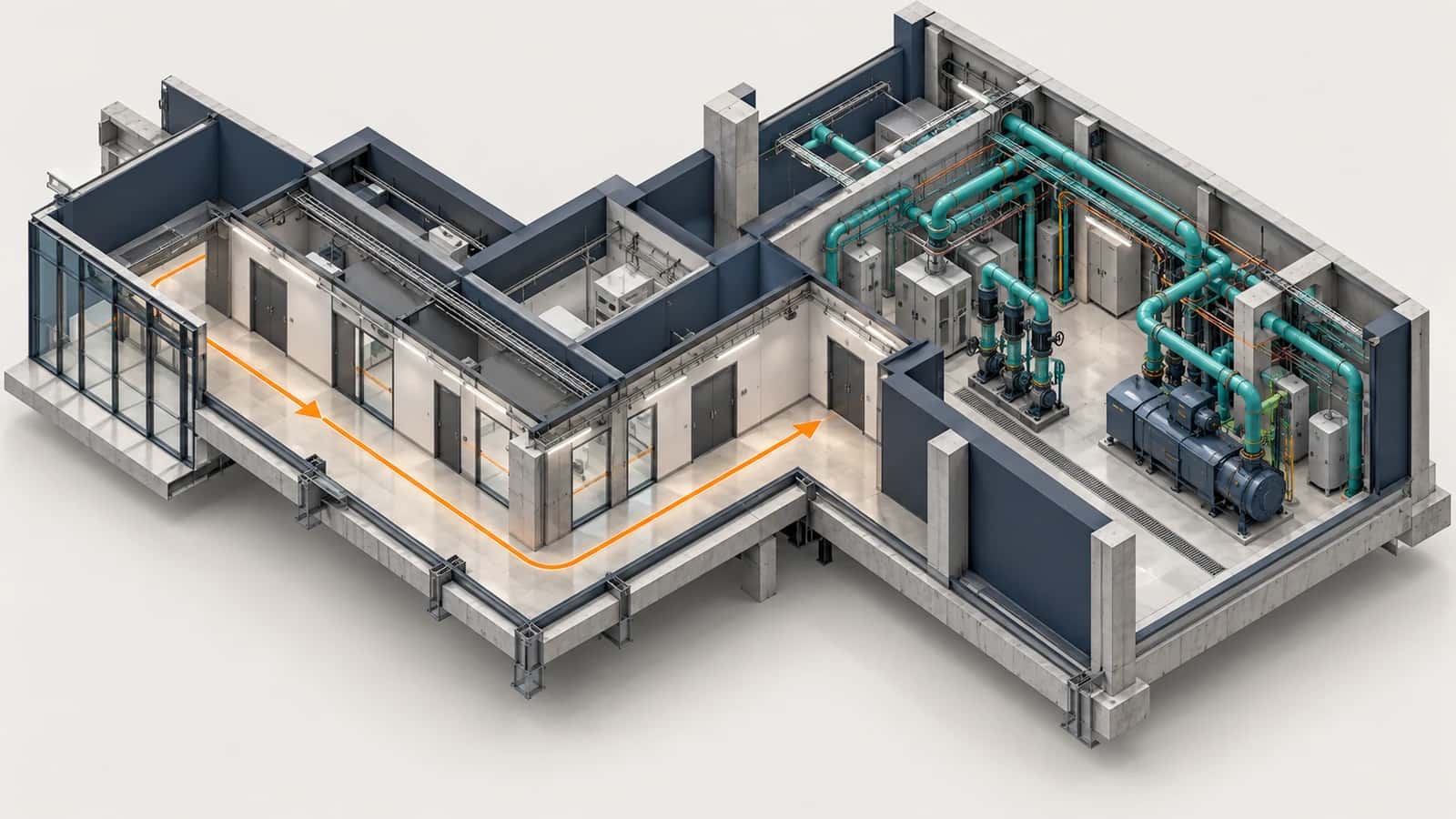
EZ Navigation enables FPS-style movement and keyboard-driven productivity inside Autodesk Navisworks. Move through federated BIM models with precision: zoom, pan, and rotate using smooth, game-style controls. Add keyboard shortcuts to essential tools like measuring, annotating, switching views, and activating coordination commands. Designed for both experienced VDC professionals and new users working with large federated models.
Part of the EZ VDC Toolkit
Revit and Navisworks plug-ins with one installer and one account. Subscribe to one, a bundle or all of them.
FPS-Style Navigation
Move seamlessly through BIM models with smooth, game-style controls
Zoom, pan, and rotate with precision: ideal for coordination meetings
Optimized for large federated models with hundreds of thousands of objects
Keep left mouse button pressed for continuous movement
Shortcut Productivity
Keyboard shortcuts for measuring, annotating, and switching views
Activate coordination commands without leaving the model viewport
Toggle section planes, annotations, and measurement tools instantly
Reduce clicks during live model reviews: keeps focus on the model
Video
Screenshots
Navigation controls
Keyboard Shortcuts
Navigation
Move forwardW
Move leftA
Move backwardS
Move rightD
Move downQ
Move upE
Speed Controls
Increase movement speedR
Reduce movement speedF
Temporary speed boostShift (hold)
Measurement Tools
Toggle measuring toolZ
Lock measurements to Z-axisX
Lock measurements perpendicular to surfaceC
Measure shortest distance between two objectsV
Clear measurementsSpace
Annotation & Toggles
Toggle freehand tool1
Toggle annotation text tool2
Toggle erase tool3
Toggle section translate tool4
Align section plane to selected surfaceDouble Left Mouse Button
Why EZ VDC Toolkit?
1
Cut model navigation time in half during coordination meetings2
Reduce repetitive mouse movements that slow down live reviews3
Onboard new team members faster with intuitive FPS controls4
Maintain focus during clash review without constant tool switching5
Increase throughput on large federated models with speed controlsPlug-in Details
PlatformNavisworks
StatusAvailable
Available viaEZ VDC and Autodesk Marketplace
See plansView on Autodesk MarketplaceDesigned For
VDC Engineers
BIM Coordinators
Construction Managers
Trade Partners
Design Teams
Includes
Custom keyboard shortcuts
Saved key bindings and base speed
Measurement and annotation shortcuts
Speed multiplier controls
Section translation shortcut
Need something custom?
We build custom Navisworks and Revit plug-ins for your workflow.
Request DevelopmentAlso in the toolkit