
Navisworks
Available
EZ 4D
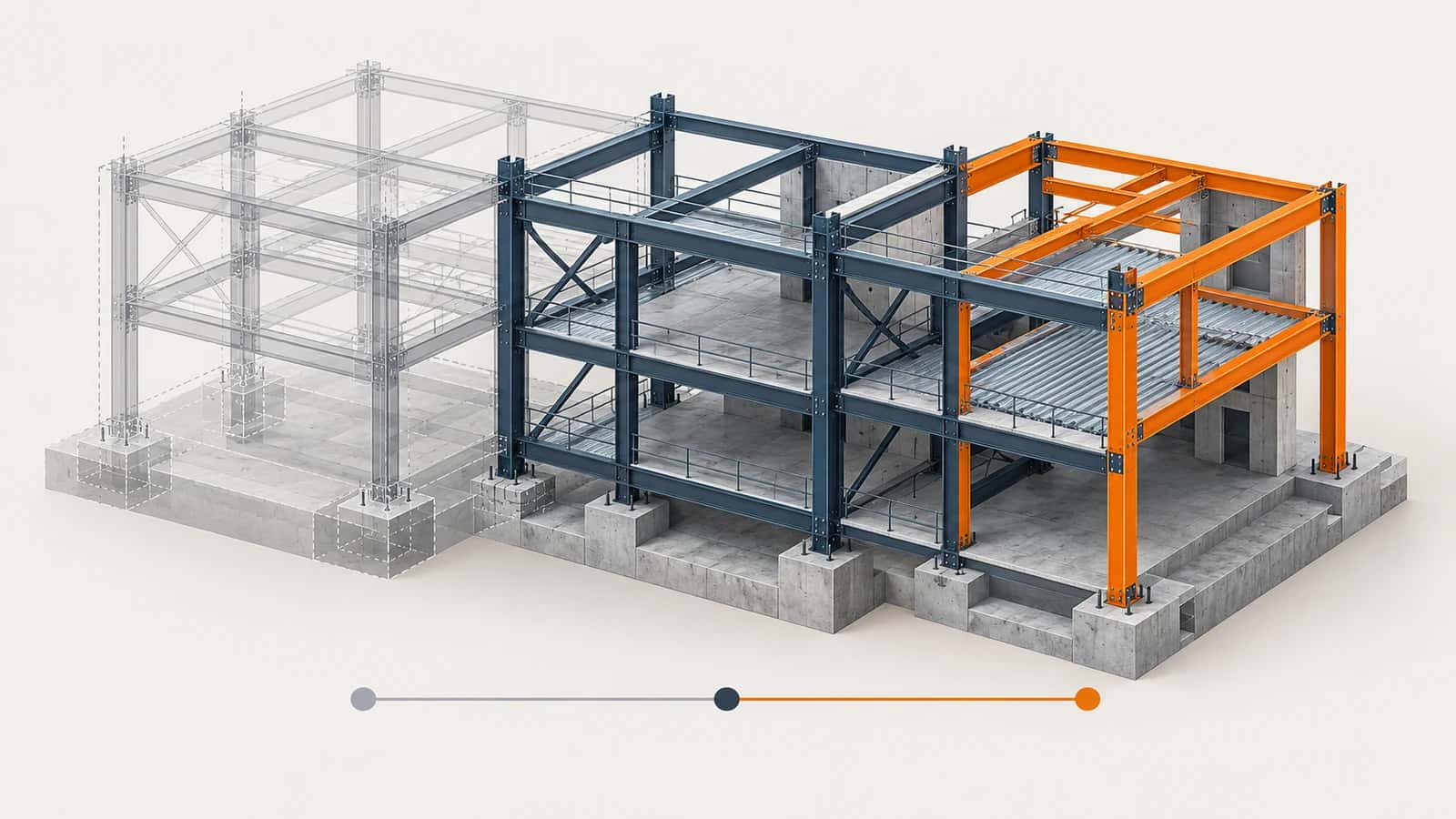
EZ 4D turns groups of model elements into an installation and demolition sequence inside Navisworks. Assign a step value to each selection, arrange the steps, set colors and generate saved viewpoints you can play back in a meeting.
Part of the EZ VDC Toolkit
Revit and Navisworks plug-ins with one installer and one account. Subscribe to one, a bundle or all of them.
Build the sequence
Select model objects and assign a step value with one click
Load the sequence to list every step with its element count
Mark each step as Install or Demolish and give it a color
Reorder steps, sort them, or merge steps that are one operation
Review it
Set how past, current and future steps look
Generate one saved viewpoint per step with a name prefix
Play the sequence at the speed you choose
The sequence is saved next to the model, so it reopens with the file
Video
Screenshots
Sequence settings
Sequence in the model
Why EZ VDC Toolkit?
1
Explain installation order and phasing without a separate scheduling tool2
Saved viewpoints are native Navisworks viewpoints anyone on the team can open3
Demolition and installation steps in the same sequenceDesigned For
VDC Engineers
Project Managers
Superintendents
Trade Partners
Includes
Assign sequence values to model selections
Install and demolish steps with colors
Reorder and merge steps
Generate saved viewpoints for every step
Play the sequence inside Navisworks
Need something custom?
We build custom Navisworks and Revit plug-ins for your workflow.
Request DevelopmentAlso in the toolkit


