
Revit
Available
EZ Wall Penetration
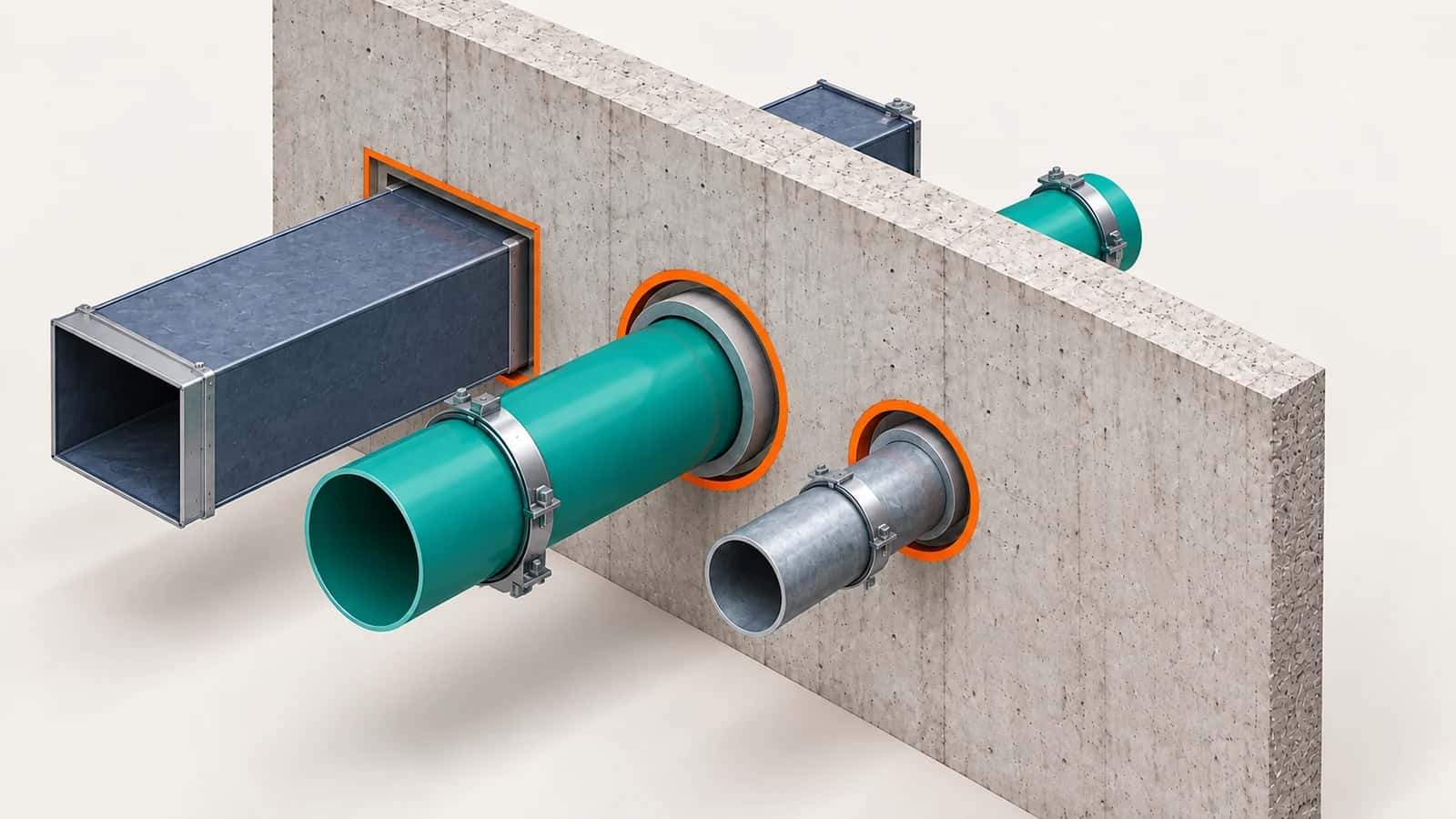
EZ Wall Penetration finds where pipes, ducts and other MEP elements cross walls and floors in Revit, including linked models. It proposes round or rectangular openings with clearance, lets you review every change, and tracks the openings so they update when the MEP model changes.
Part of the EZ VDC Toolkit
Revit and Navisworks plug-ins with one installer and one account. Subscribe to one, a bundle or all of them.
Scan
Choose MEP source models and disciplines
Set total opening clearance and optional colors and labels
Scan the whole project, the active view or a selection
Use the bundled opening families or map your own
Review and apply
Every crossing is listed as Create, Update, Replace, Unchanged, Orphan or Blocked
Zoom to any row to inspect the crossing
Apply only the rows you check; Cancel rolls back the whole batch
Orphan openings are flagged for review, never deleted automatically
Screenshots
Penetration configuration and review
Penetration result example
Why EZ VDC Toolkit?
1
Sleeve and opening layouts without placing each one by hand2
Openings keep their identity across MEP model updates3
CSV export of what was created for the coordination recordDesigned For
MEP Coordinators
BIM Coordinators
Structural Modelers
Firestopping Contractors
Includes
Find MEP crossings through walls and floors
Round and rectangular openings with clearance
Review every change before applying
Tracked openings update with the model
CSV export of the results
Need something custom?
We build custom Navisworks and Revit plug-ins for your workflow.
Request DevelopmentAlso in the toolkit


