4D Scheduling for Commercial Construction
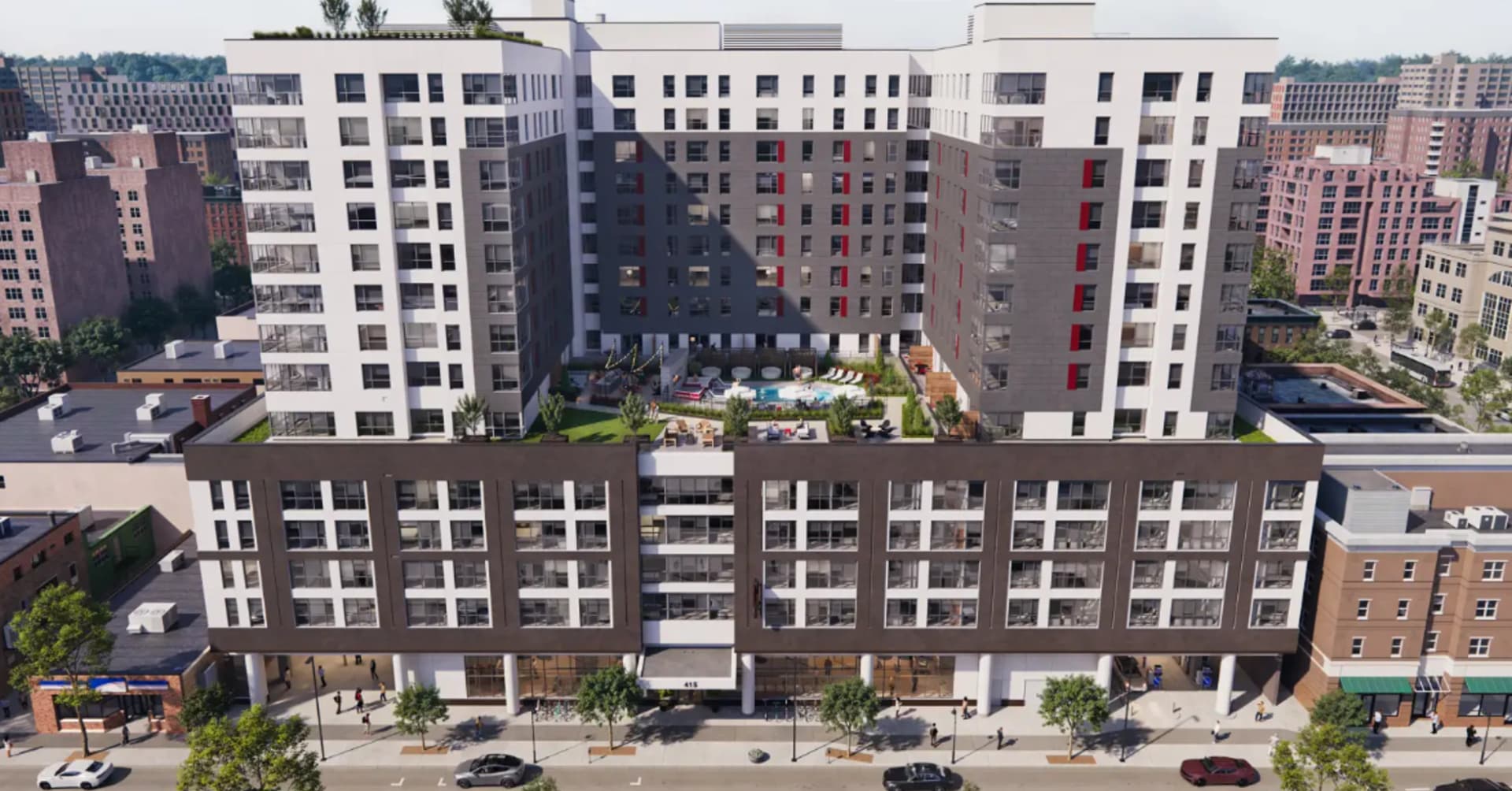
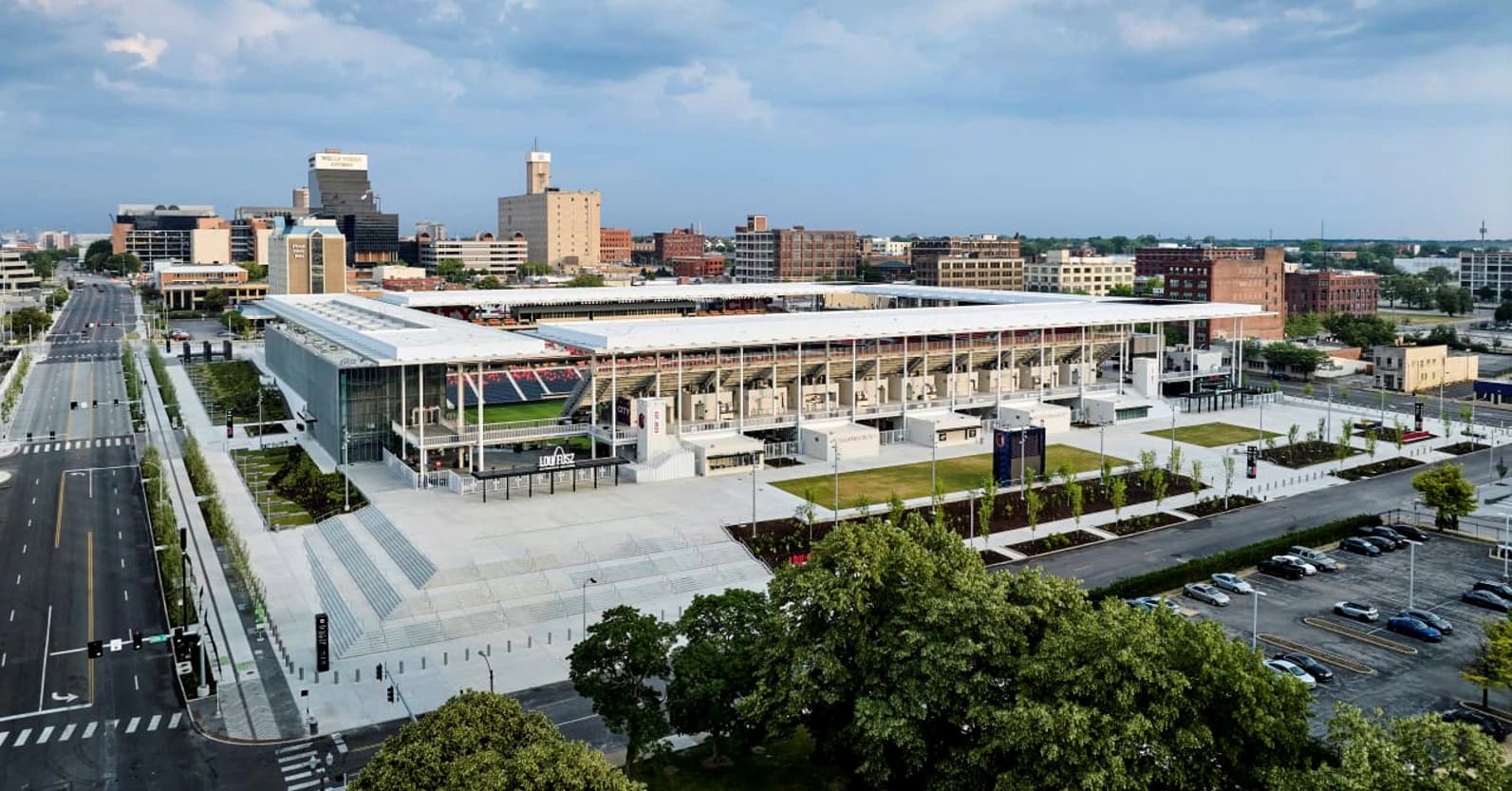
Office buildings, mixed-use towers, retail, and hospitality projects all benefit from 4D scheduling but the value is highest when the project has complex phasing, urban site logistics, or owner-facing presentation requirements. We deliver 4D models that drive real decisions, not just animations.
Urban Site Logistics
Commercial projects in urban environments face the most complex logistics challenges: tight property lines, pedestrian protection, street closures, tower crane positioning, and material delivery windows. 4D models that capture these logistics are often more valuable than the structural sequencing.
Owner and Tenant Coordination
Commercial owners, tenants, and lenders require construction schedule visibility. 4D models translate complex construction sequences into visual narratives that non-construction audiences can understand and act on tenant fit-out coordination, milestone tracking, and lease commencement date planning.
Occupied Building Phasing
Retail renovations, hotel renovations, and occupied office retrofits require phasing plans that maintain revenue-generating operations while construction proceeds. 4D models communicate the phasing logic to everyone facilities, tenants, guests not just the project team.
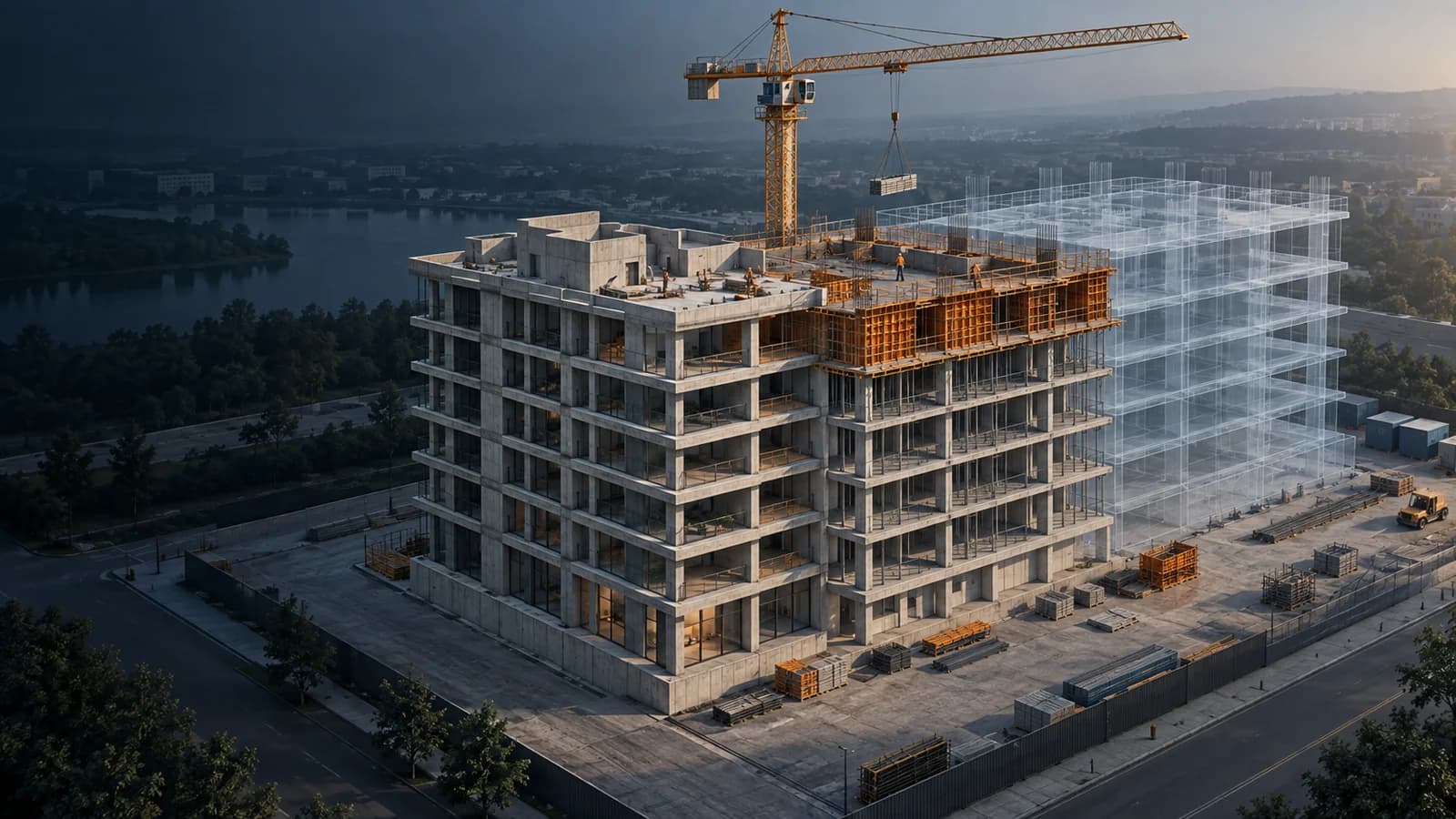
Commercial 4D scheduling starts with the CPM schedule (Primavera P6 or MS Project) and links it to the Revit/Navisworks model. We focus on what drives decisions: crane logistics, floor-by-floor sequencing, facade installation sequence, and owner milestone visualization. Every 4D deliverable includes owner-facing export formats.
What scheduling software do you use for 4D modeling?
We use Synchro Pro for complex 4D animation and simulation, linked to Primavera P6 or MS Project for schedule data. For projects where the owner uses Navisworks, we can deliver TimeLiner-based 4D models. The choice depends on the project schedule format and deliverable requirements.
How detailed does the BIM model need to be for 4D scheduling?
For a useful 4D model, the structural model should be at LOD 300-350 (floors, columns, beams, facade elements). MEP doesn't need to be modeled in detail for scheduling purposes activity zones are sufficient. The schedule needs to be activity-coded and tied to model elements at the floor/area level at minimum.
Can you handle occupied building phasing plans?
Yes we have coordinated 4D phasing around adjacent operating hotels, including a 15-story downtown Nashville hotel built immediately next to two active properties. The phasing model communicated construction zones and noise/vibration impacts to hotel operations teams in visual form.
Do you deliver 4D models that owners can navigate themselves?
Yes. We deliver owner-facing 4D packages in formats including Navisworks NWD (free viewer), MP4 animations by phase, and PowerPoint/PDF milestone graphics. We size the deliverable to the audience.
Commercial Construction project?
Tell us about your project we respond within one business day.
Request a Quote